Get startedfield guide for testers
Five minutes to your first run.
The app launches empty. It’s your lab, not a demo. Walk it once, end to end, and tell me where it’s still rough.
Install from TestFlight
Open the invite on your iPhone, install TestFlight from the App Store if you need it, then install Film Lab. First launch asks for Camera. That’s the light meter and barcode scanner only; no photos are taken or stored.
Set up your lab
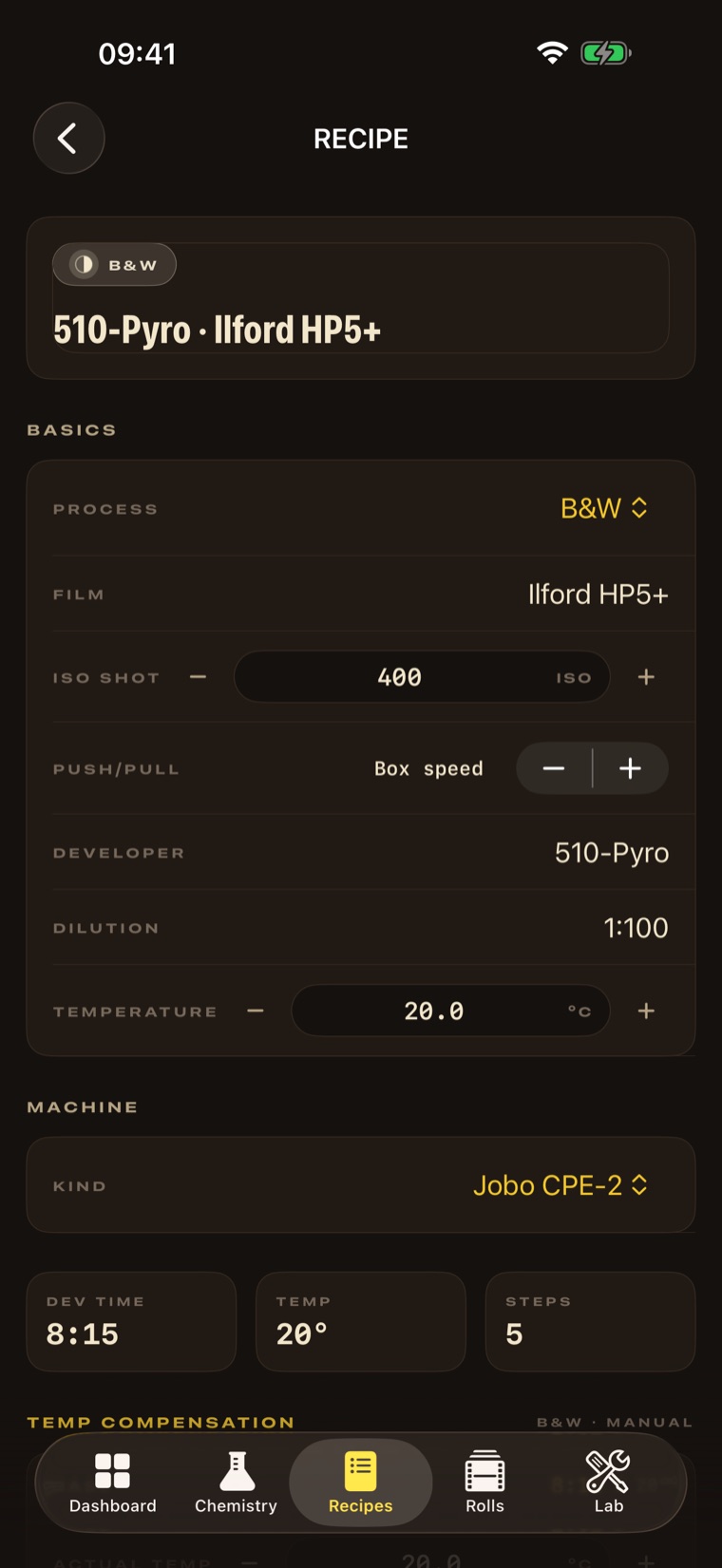
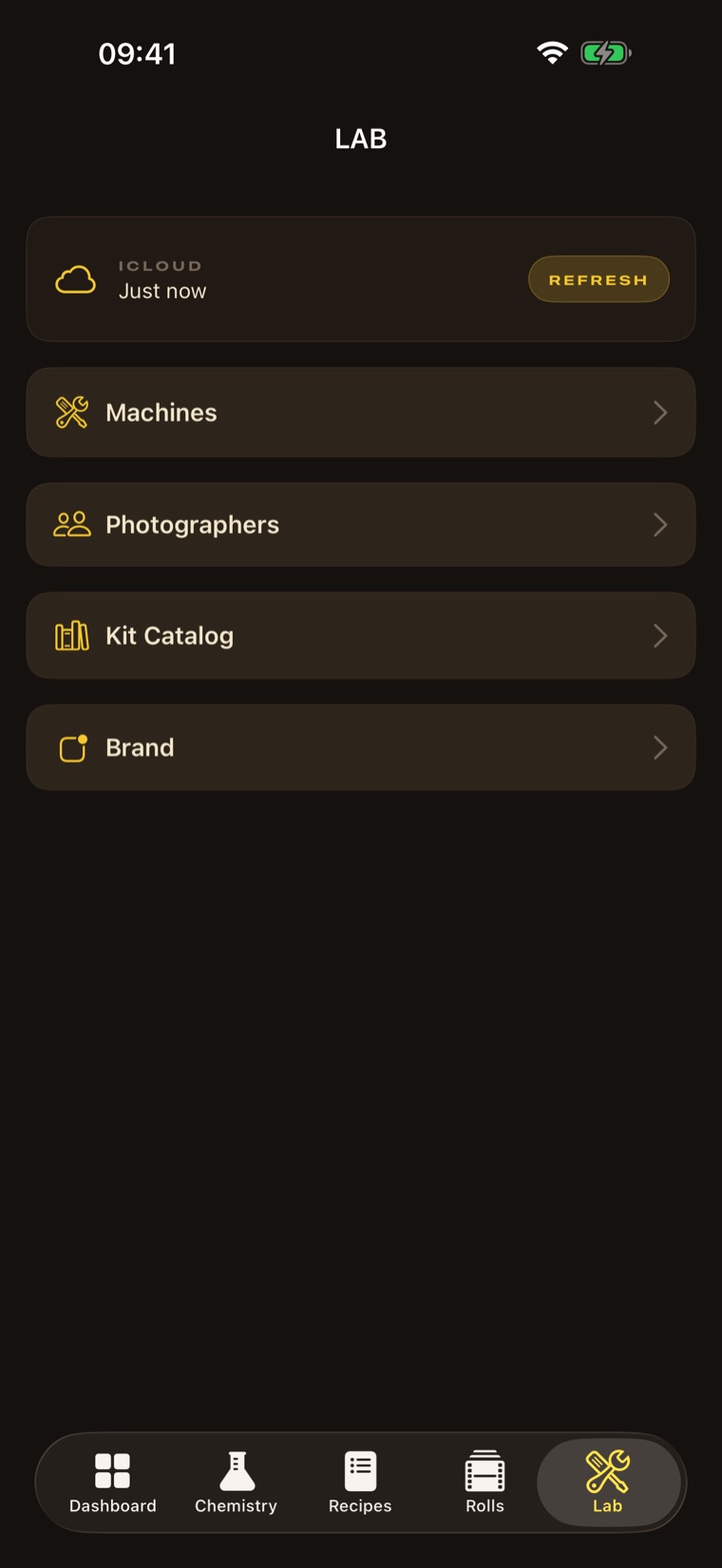
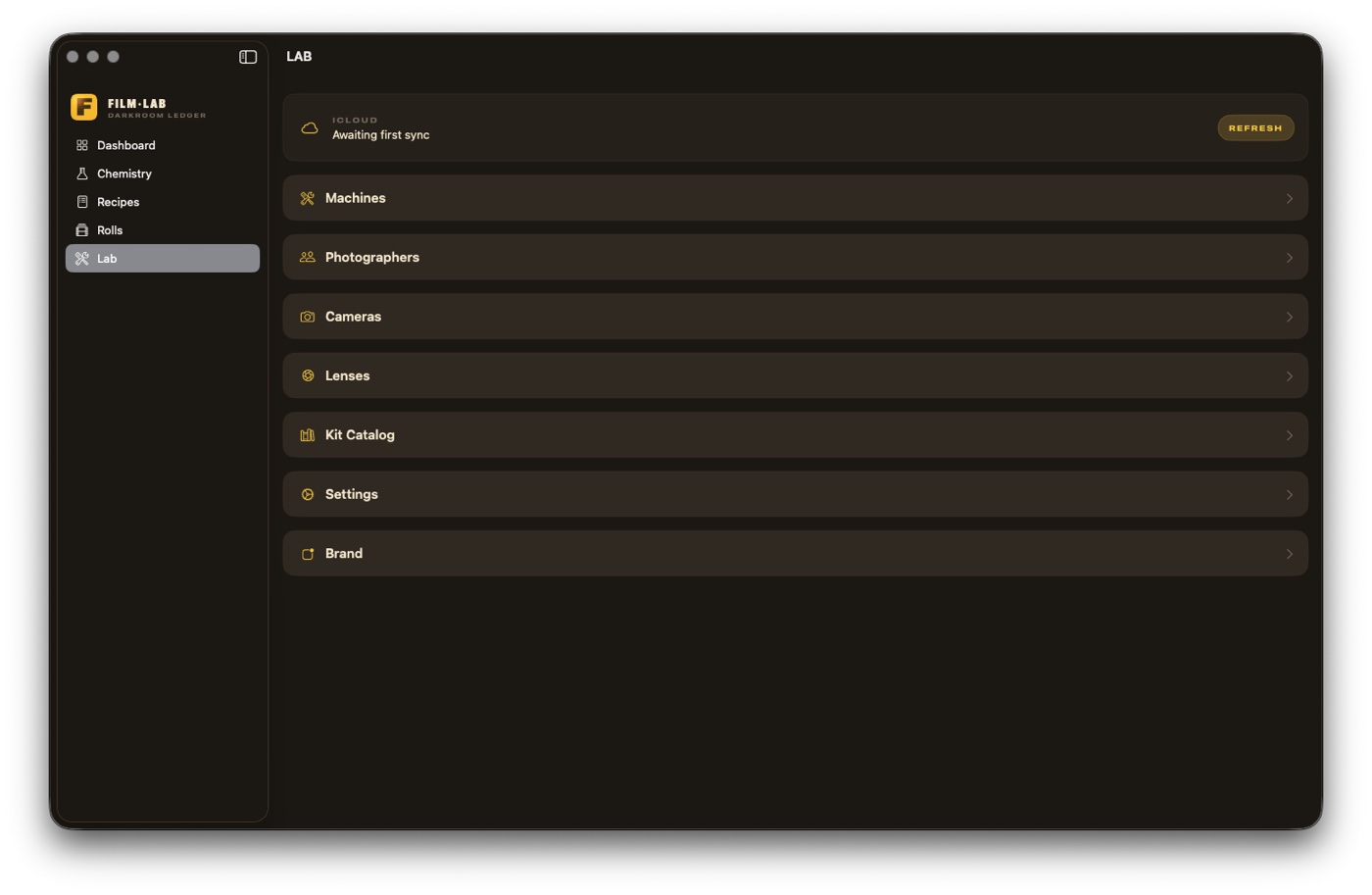
Add the machine you develop on: a Jobo CPE-2, an ATL-1000, or just Manual for a Paterson tank by hand. Manual is the most flexible default.
Add your gear
In Lab → Cameras & Lenses, save a body (slowest/fastest shutter) and a lens (widest/smallest aperture). The meter uses these; your rolls can be tagged with them.
Stock your chemistry
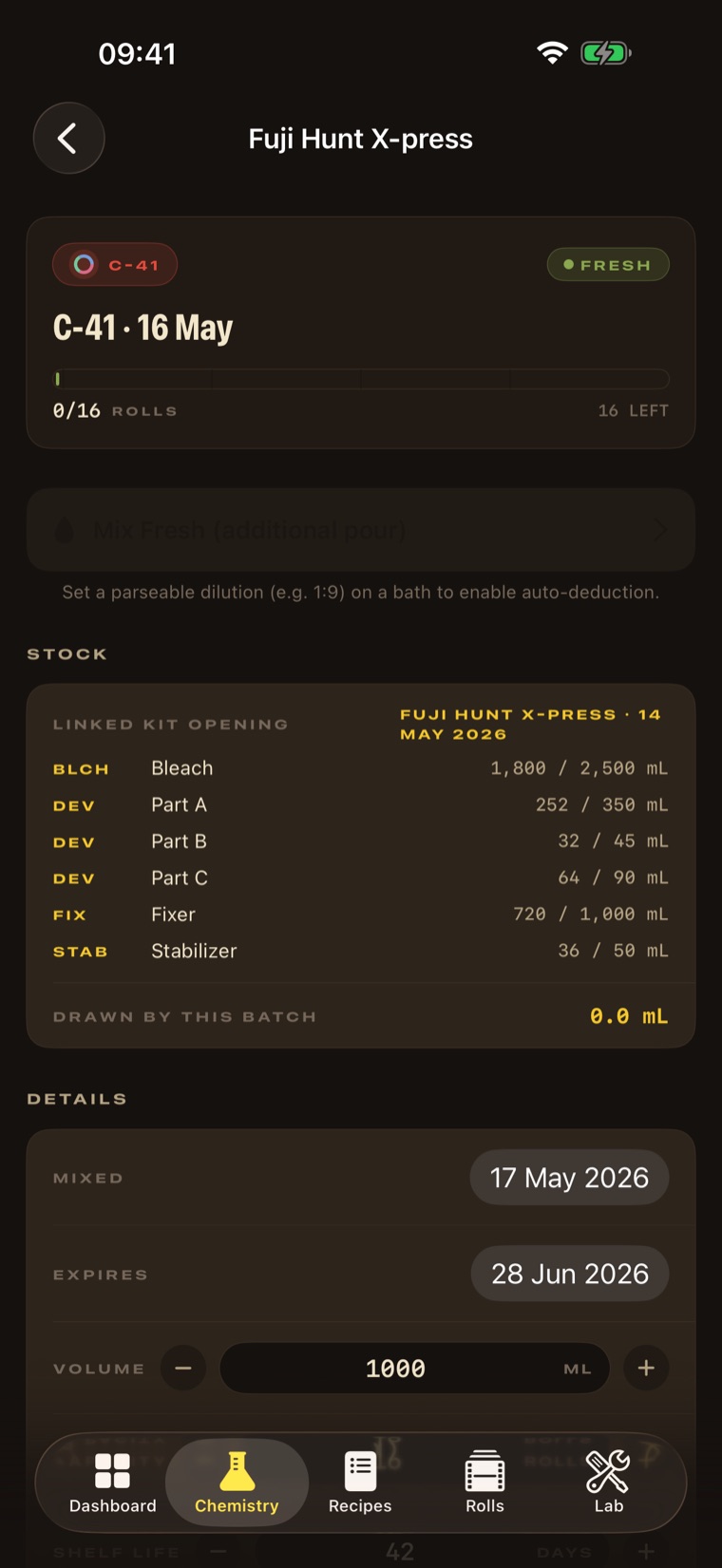
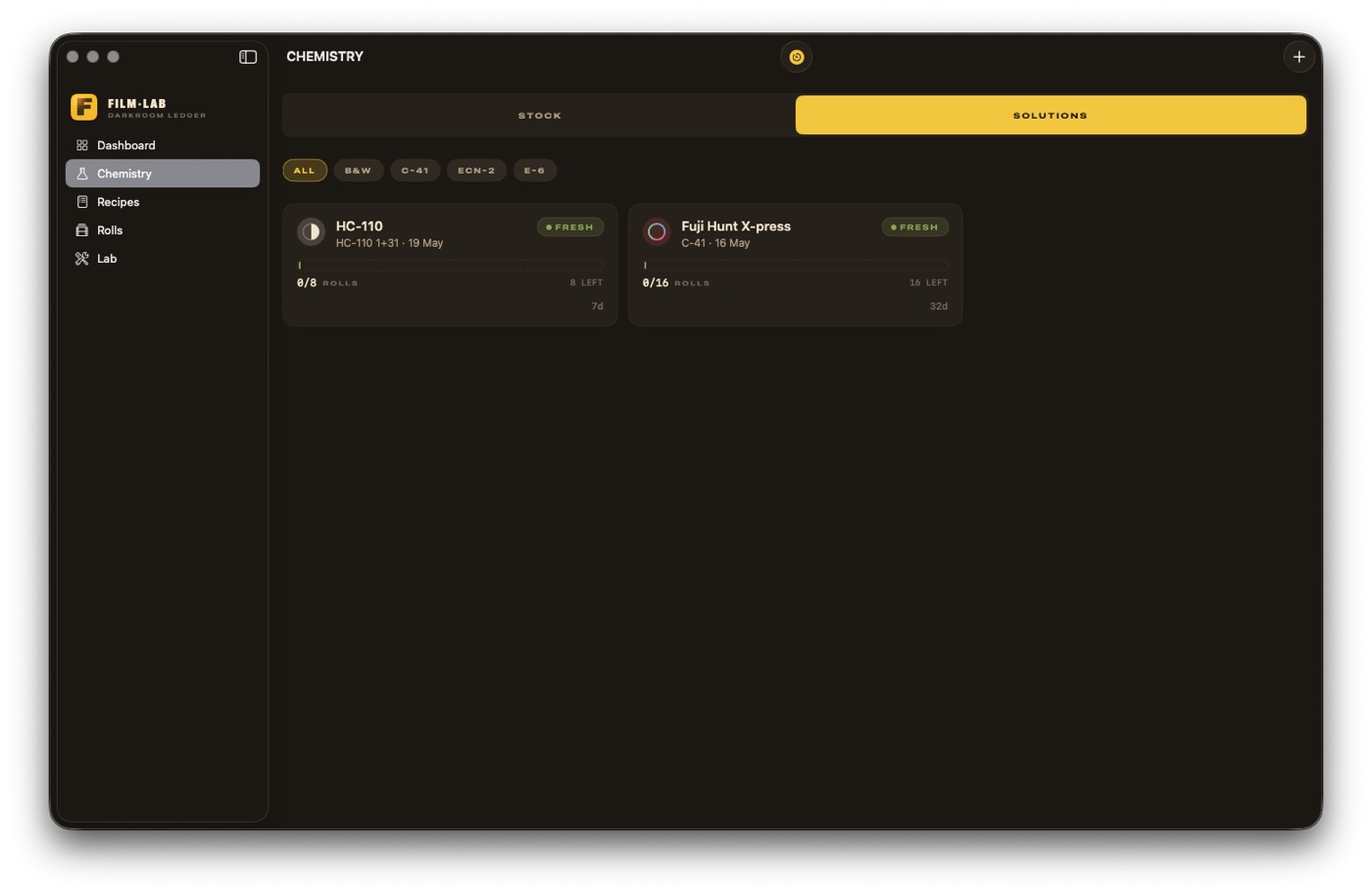
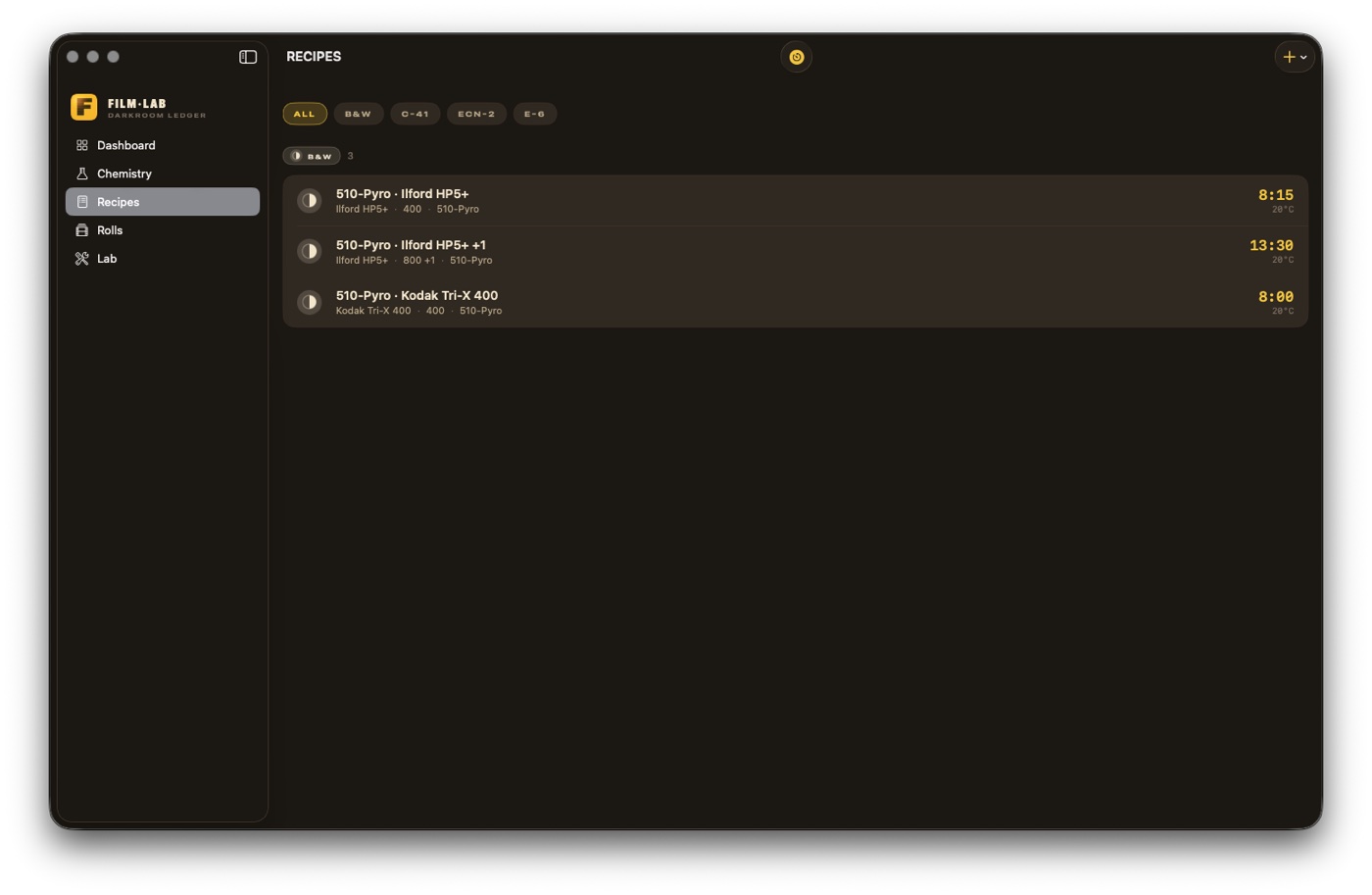
Open a kit or add a concentrate in the Chemistry tab. The catalog knows 510-Pyro, Bellini (incl. KITC41/5), Fuji Hunt, Cinestill, Ilford, Kodak. Mix a batch; the concentrate deducts itself.
Log a roll, then develop it
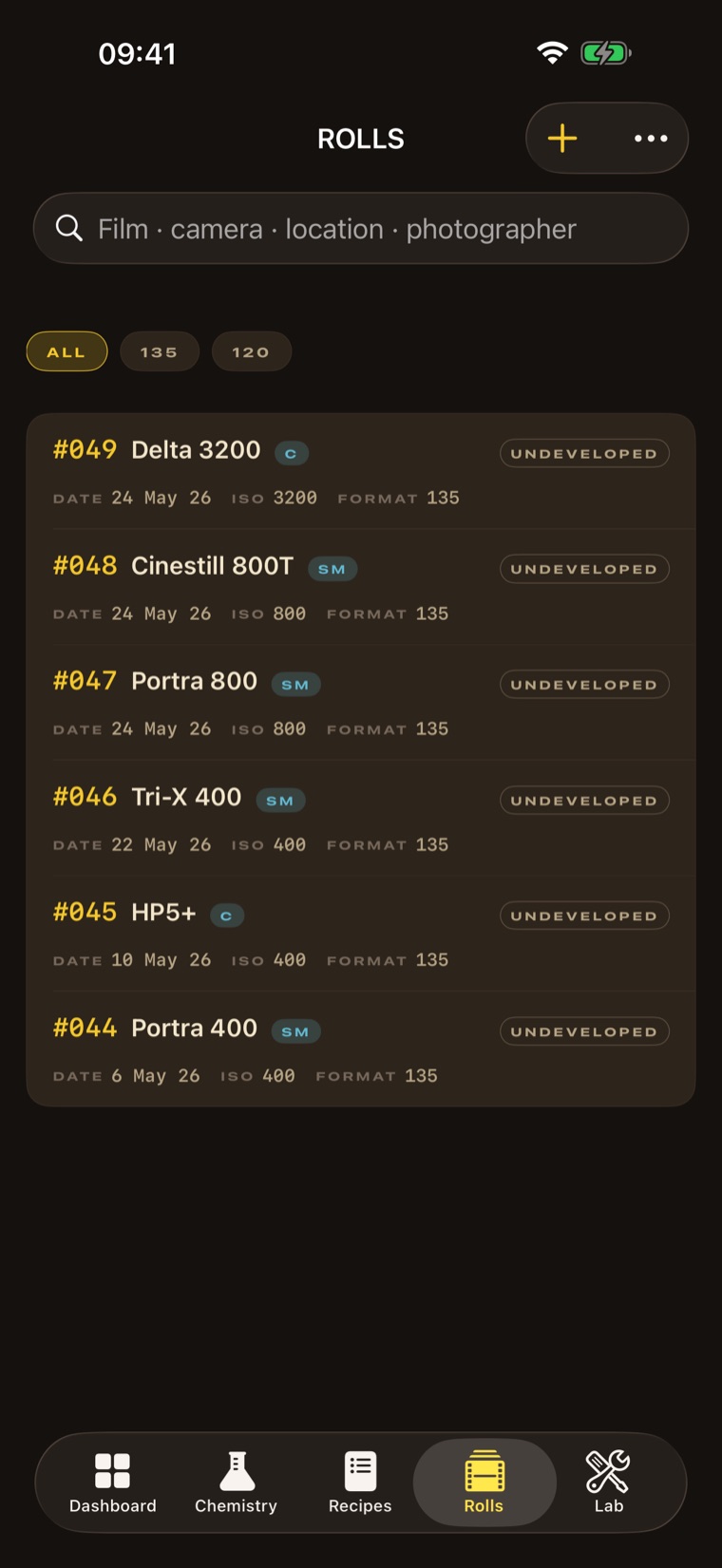
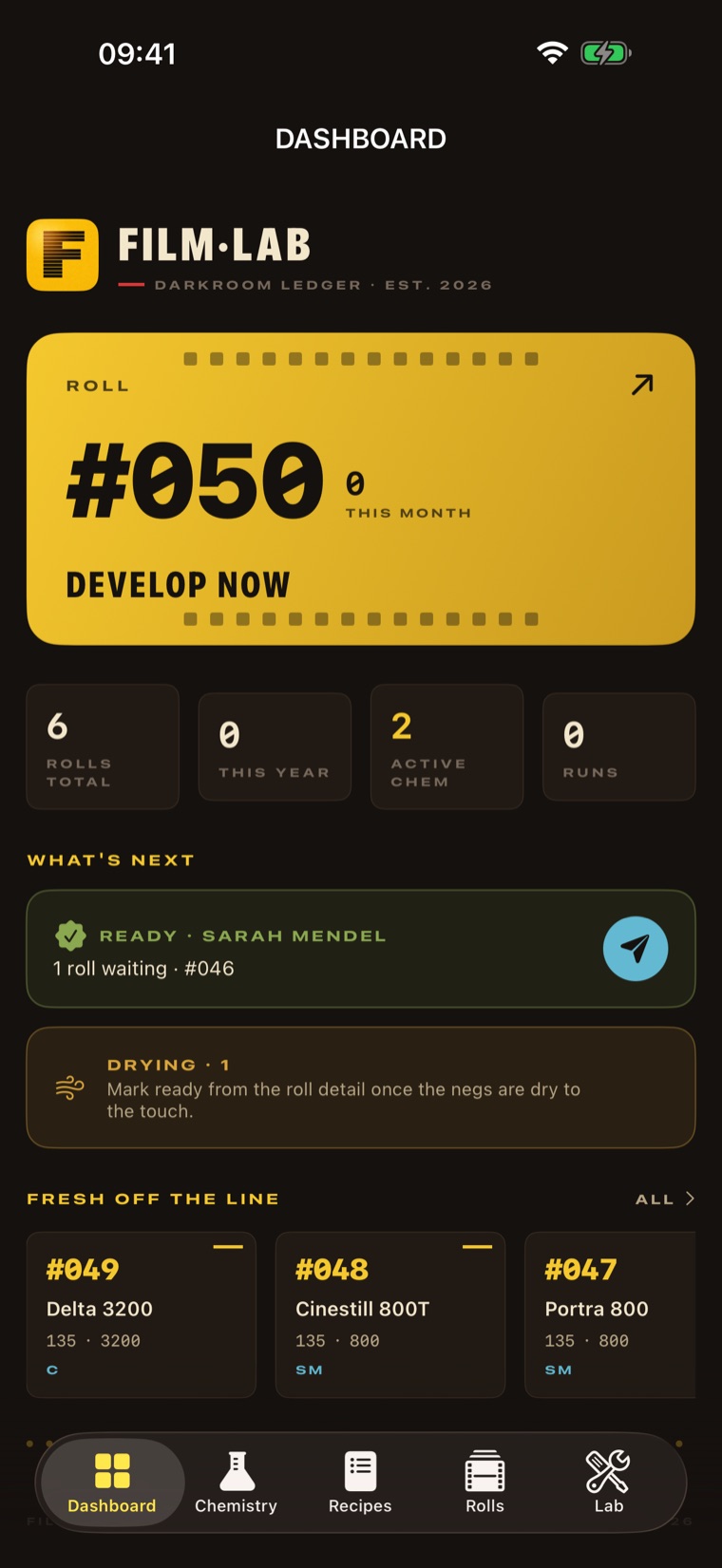
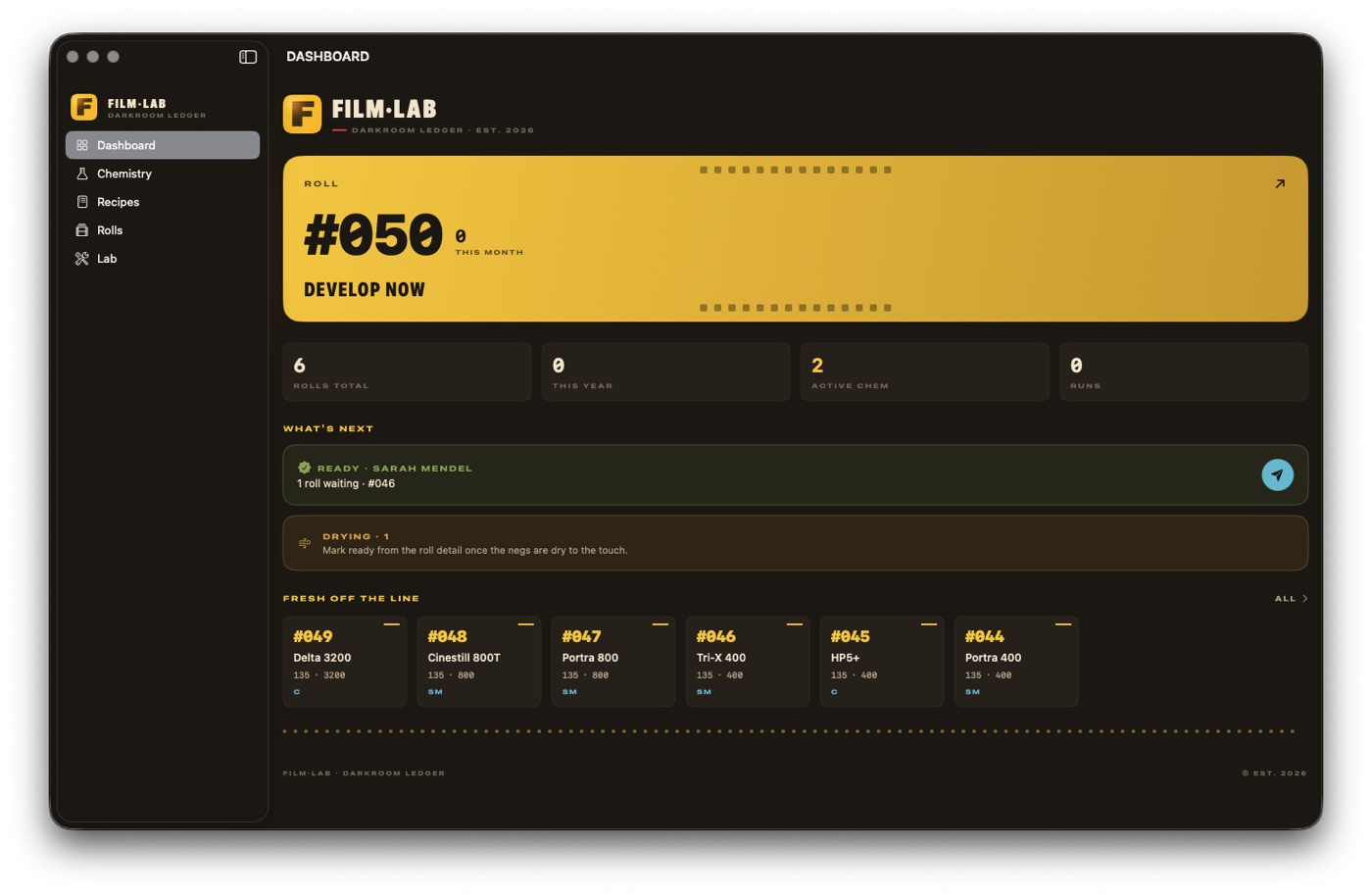
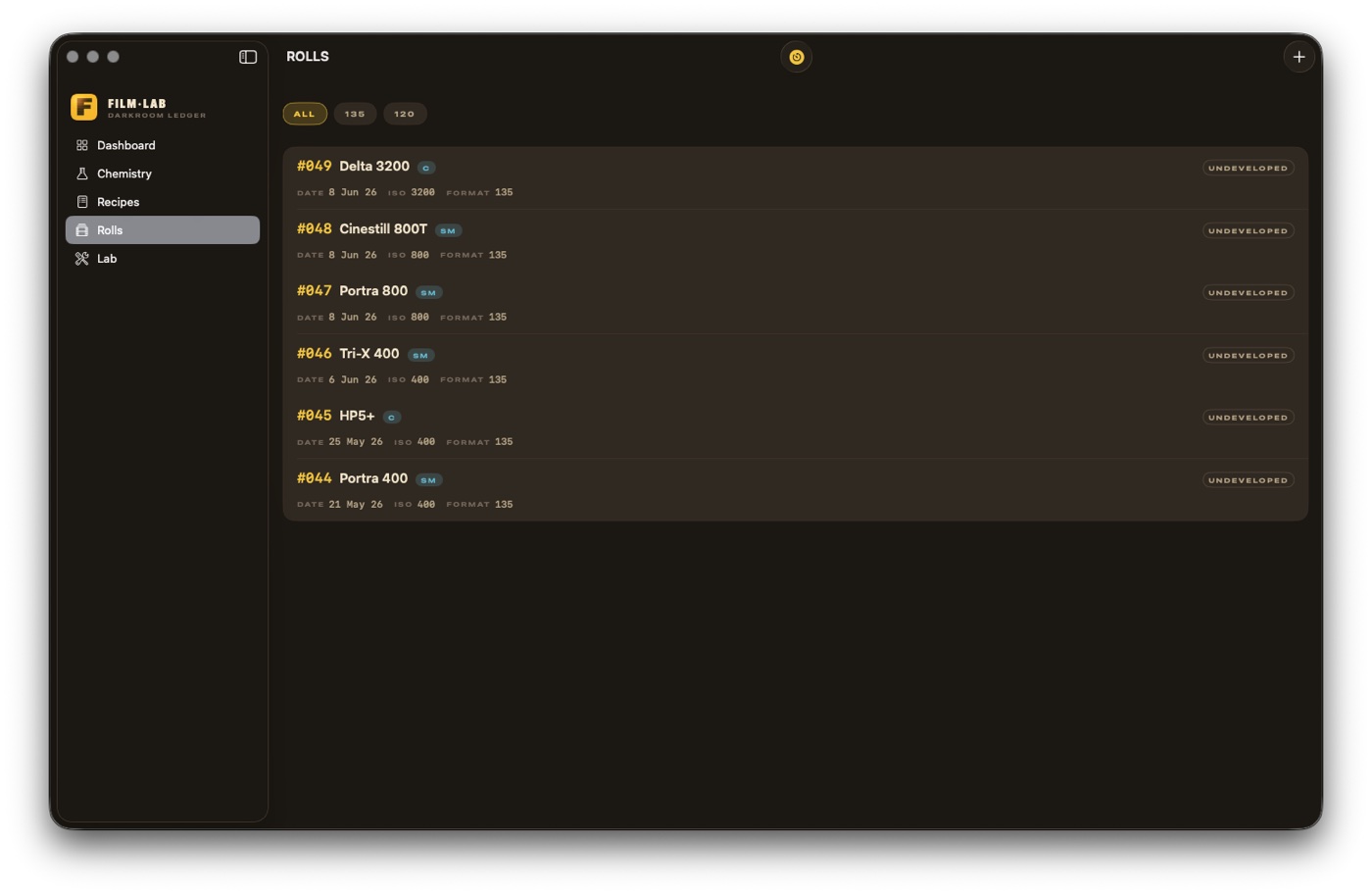
Add a roll in the Rolls tab; scanning the box barcode fills it in. Then hit Develop now on the Dashboard: pick the process, pick the roll, take the suggested recipe, run the timer.
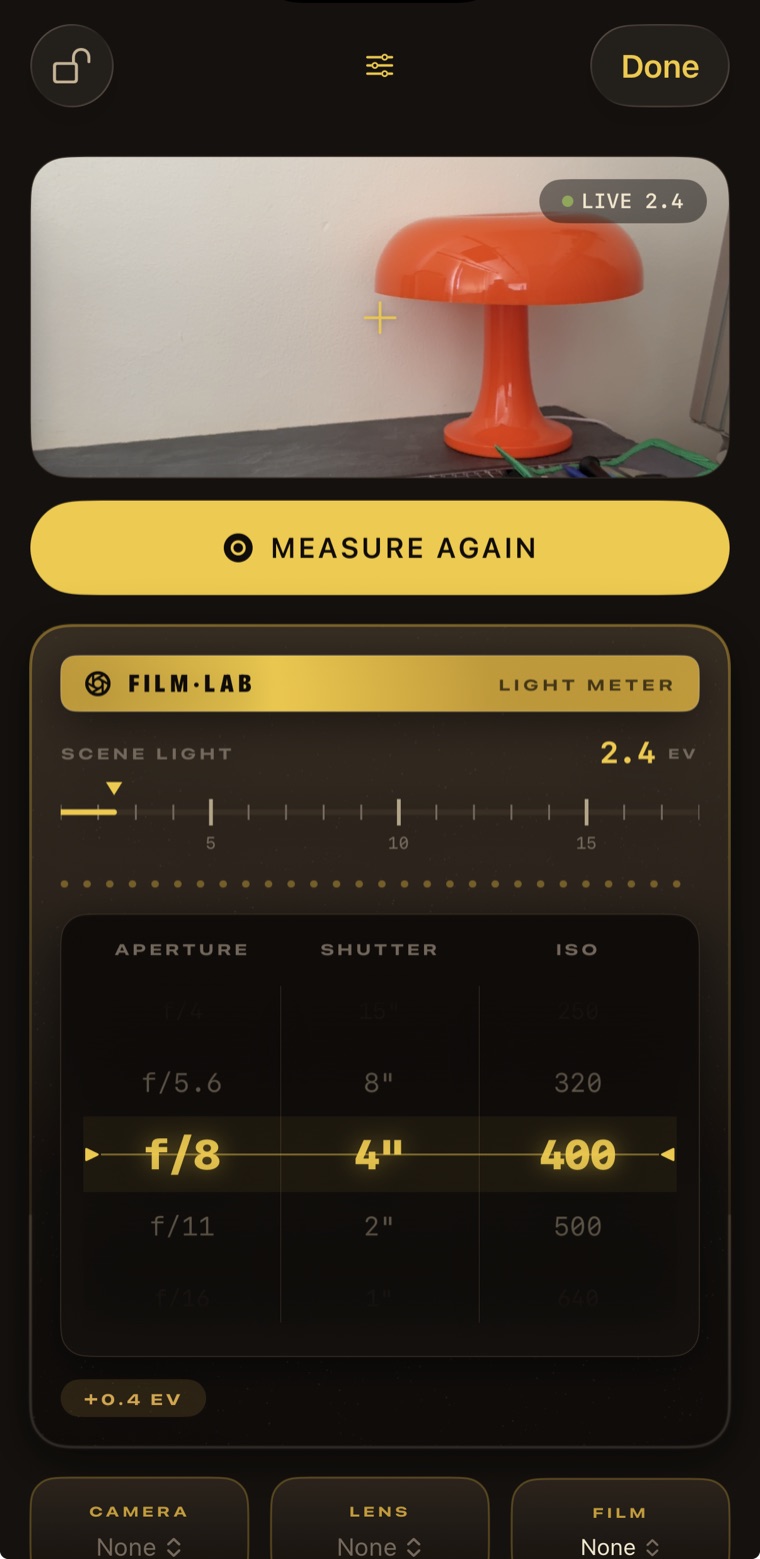
Calibrate the meter first
The single most important step before you trust a reading on film you can’t chimp:
SUNNY-16·GREY CARD IN DIRECT SUN·EV 15 @ ISO 100·TAP “15” → SET OFFSET
Open the meter → Calibrate → point at a grey card or your palm in direct sun → tap the 15 hint. Or read the same scene with your handheld meter and type its EV. Fine-trim ±0.1 by eye. Calibration is per-device, so do it on each iPhone or iPad you meter with. If you own a real meter, tell me how far off the phone was. That number is exactly the feedback I need.
Running a develop session
PROCESS→ROLLS→RECIPE→SETUP→RUN→REVIEW
- Process: C-41 or B&W, and which developer. Everything downstream filters to match.
- Rolls: only compatible film shows, each with a suggested dev time and where it came from. Same-time rolls group into one tank; mixed times get a warning.
- Recipe: your saved recipe comes first; no match, and you can create one from the published chart in a tap.
- Setup: machine defaults to your last for this process; mix chemistry inline if you haven’t already. Unit kits show units, not rolls.
- Run: adjust the temperature live; B&W dev time recomputes (Q10, inside the safe band) and shows the delta. The alarm is loud and waits for you.
- Review: a one-line summary of exactly what you’re saving, then mark the outcome: thin, normal, or dense. That’s what feeds the “LAST TIME” card.
Test the cleanup
Cancel a session after mixing a batch: it asks whether to
delete what you added & restore chemistry. Your stock level should come back exactly. If a run goes wrong, mark it Failed and toggle “Chemistry discarded” so your inventory stays honest. And if you run a Bellini unit kit, try to catch the unit math lying. Please try to break all of this.
How to send feedback
Ranked by how useful it is to me:
- Screenshot inside TestFlight: it prompts for a note. Best for “this number is wrong” and “this looks broken.”
- Message me with what you did, what you expected, what happened.
- A wrong number? Give me the exact values: the scene, film, recipe, temperature, what the app showed, what it should have.
Be blunt. “This is annoying” beats “nice app.” What I care about most right now: whether the process-first wizard beats your current routine, the meter’s accuracy against a real meter, and, if you run Bellini C-41 on an ATL, whether the dial recommendation matches what you would have set.